
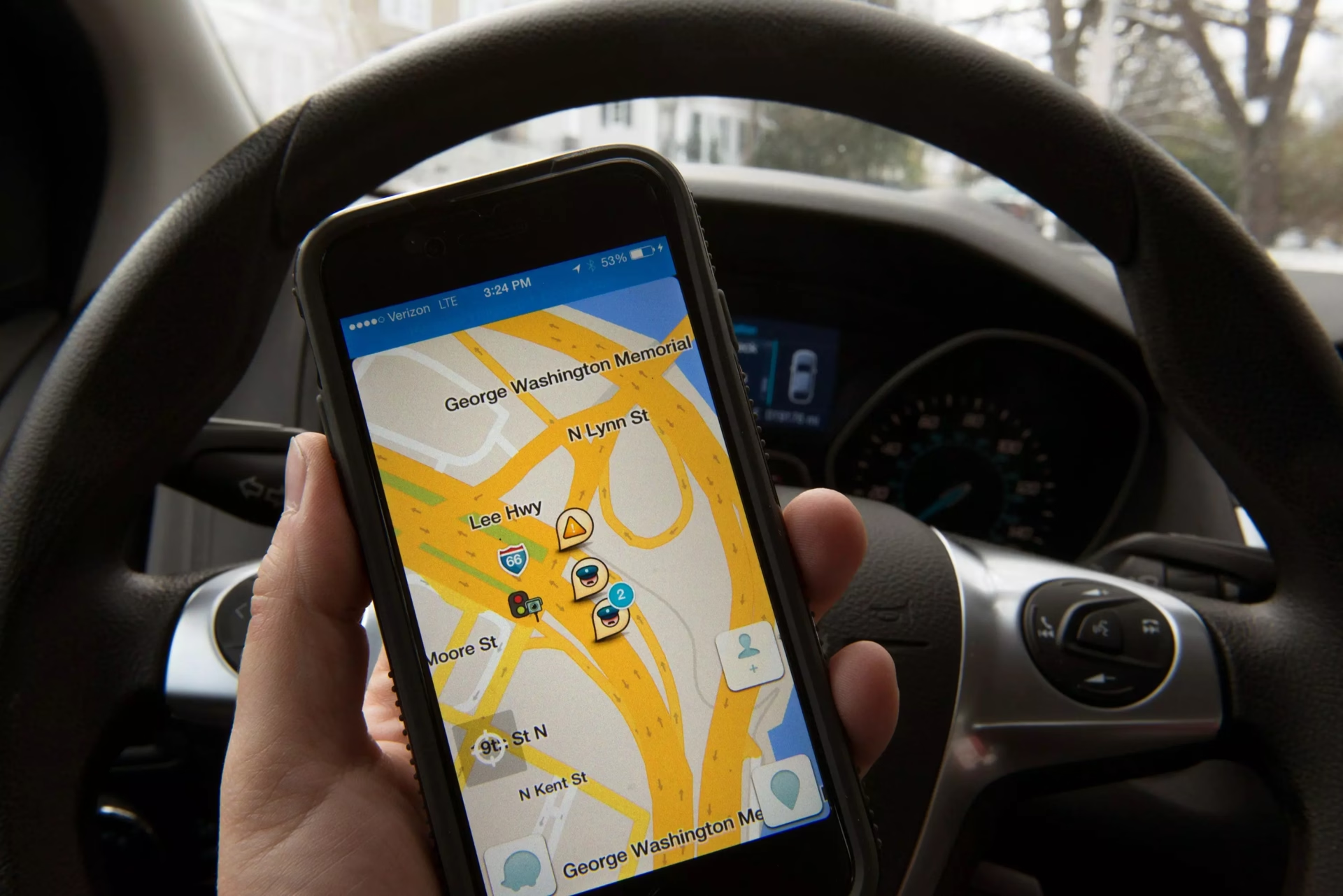
Any driver that uses an app to get through rush hour traffic knows it can be a drag trying to get directions and find the one song that will get you through the drive. To ease the danger that can come while navigating between apps, Waze is collaborating with several audio apps to make driving easier and safer.
<blockquote class="twitter-tweet" data-lang="en"><p lang="en" dir="ltr">The Waze Audio Player (now in Beta) makes it easier then ever to find your perfect soundtrack—whether you're a music, podcast, radio, news, or audiobook lover. Learn more.</p>— waze (@waze) <a href="https://twitter.com/waze/status/1056999110199427073?ref_src=twsrc%5Etfw">October 29, 2018</a></blockquote>
<script async src="https://platform.twitter.com/widgets.js" charset="utf-8"></script>Waze is partnering with Pandora, Deezer, TuneIn, podcast platform Stitcher, NPR and Spotify, the first music app integrated into Waze. The Waze Audio Player will let users listen to music or podcasts without ever leaving the app by simply clicking a pink audio button on the main screen. A beta version has been has rolled out to testers and will be available for all Waze users Nov. 14.
Head of Global Partnerships at Waze, Adam Fried told Digital Music News that the integration would allow for an even better navigation experience.
"We're dedicated to giving our users the best possible experience in the car," said Fried. "Now we're able to make their drives even more enjoyable by seamlessly and safely delivering their favorite audio content while they're on the road."
Earlier this year, Google Maps also incorporated a music streaming function into its app. Google has owned Waze since 2013 yet still operates both as separate apps with somewhat different functionalities. To get started with Waze music streaming before the official rollout, you can join their Beta Community and follow these instuctions by Waze:
- Make sure you have the latest version of your 3rd party audio app of choice (Pandora, Deezer, iHeartRadio, NPR One, Scribd, Stitcher, Spotify or TuneIn) installed.
- Sync Waze and your 3rd party audio app (just once!). Simply tap the icon of your audio app in the Waze Audio Player and select connect.
Leading Canadian Indie Distributors To Merge Sales And Distribution
